Docs / Nebula Sound System manual / 9. Automation
9. Automation
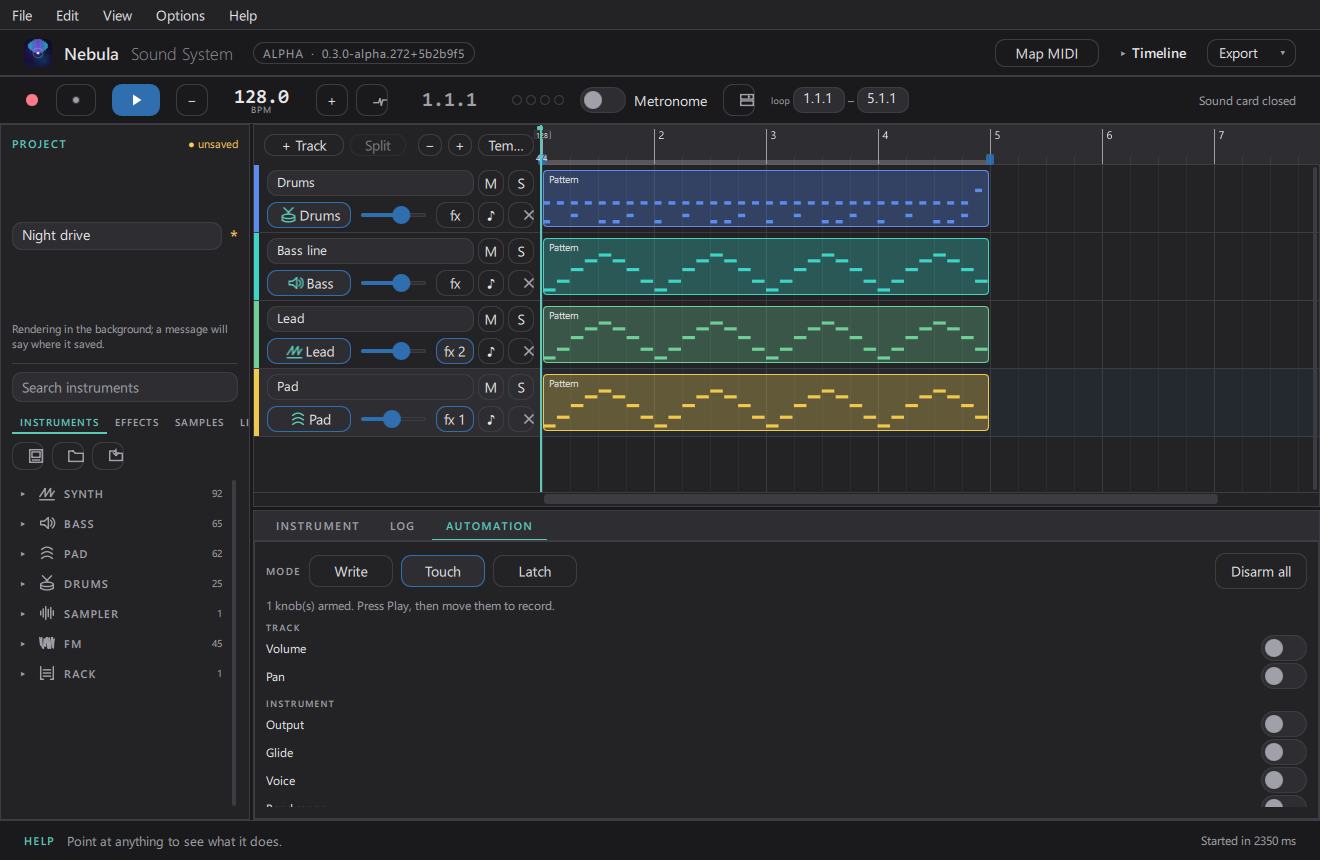
- Draw a curve: open a knob's automation lane in the Timeline and draw points; the knob follows the curve as the song plays.
- Record a pass: open the AUTOMATION card, arm the knob you want (click the arm button next to it), start the transport, and move the knob. What you did is written into the curve. The recording follows the clock in both directions, so a pass can be redone.
- Curves are per clip lane and undoable like any other edit.
Updated 2026-11-02