Docs / Nebula Sound System manual / 6. Instruments
6. Instruments
Pick an instrument in the left browser (or drop a patch on a track). The instrument card in the bottom panel then shows its controls.
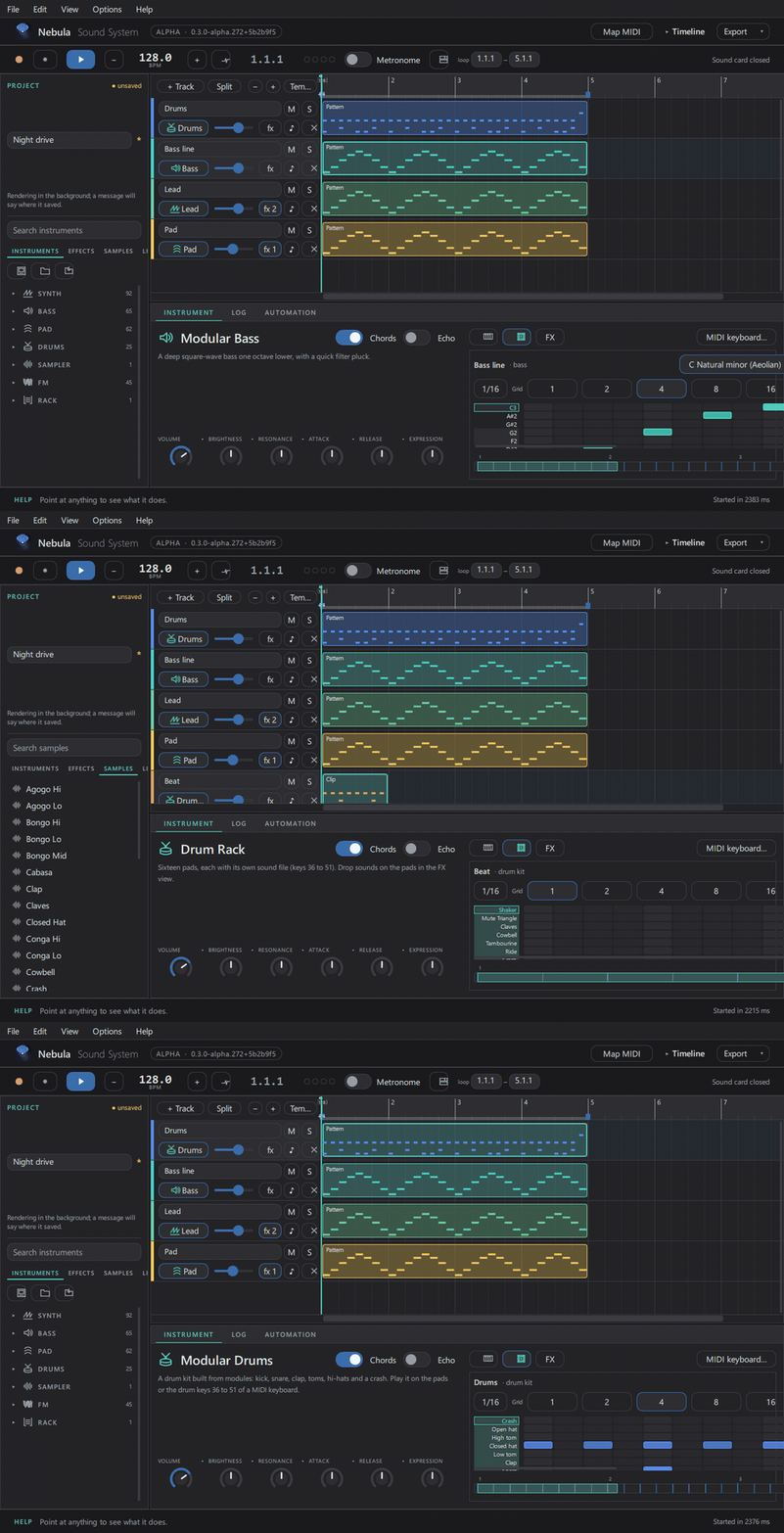
The library: 263 built-in patches in four families — SYNTH (leads and keys), BASS, PAD, FM — plus the Sampler, the Drum Rack and the Instrument Rack. 24 of the patches are complete drum-machine kits (606, 707, 808, Acid, Breaks, Cinematic, Deep House, Drum and Bass, Electro, Funk, Garage, Hip-Hop, Jazz, Jungle, Kitchen Keys, Latin, Minimal, Orchestral, Percussion, Reggae, Rock, Techno, Trance, Trap).
- Knobs: the six big ones (volume, brightness, resonance, attack, release, expression) are the macros for that patch. Hover one to see what it does.
- Chords / Echo: quick switches on the card.
- Presets: save your own knob settings as a patch and reload them later (the card's patch buttons, or the browser's patch section).
Playing notes
- Computer keyboard:
A W S E D F T G Y H U J Kplays notes,Z/Xchange octave. - MIDI keyboard: plug it in — it is picked up automatically (§10).
- The on-screen piano keys and pads also play.
Sampler
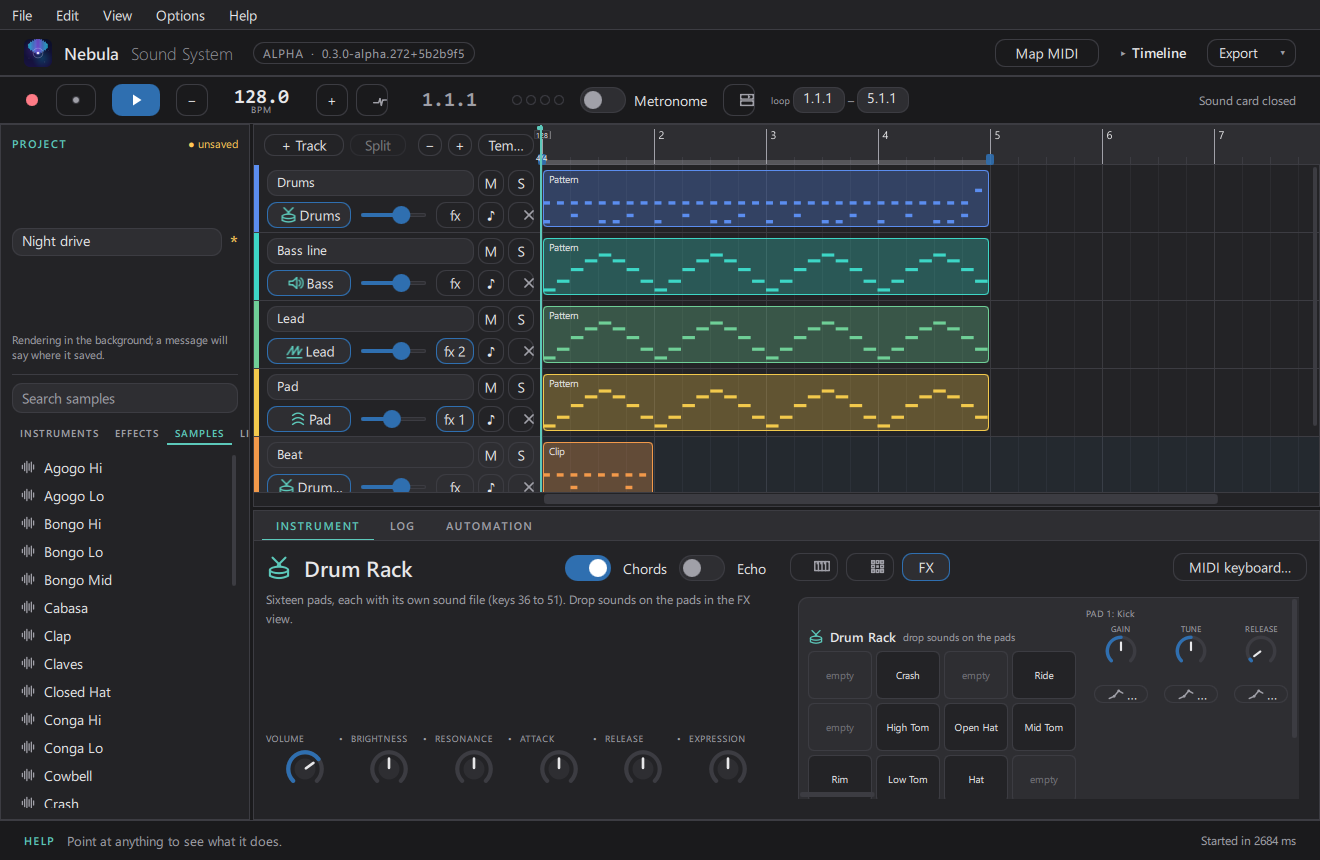
One sound per track: drop in a file, set the root note, tune, attack/release, loop and the start/end points.
Drum Rack
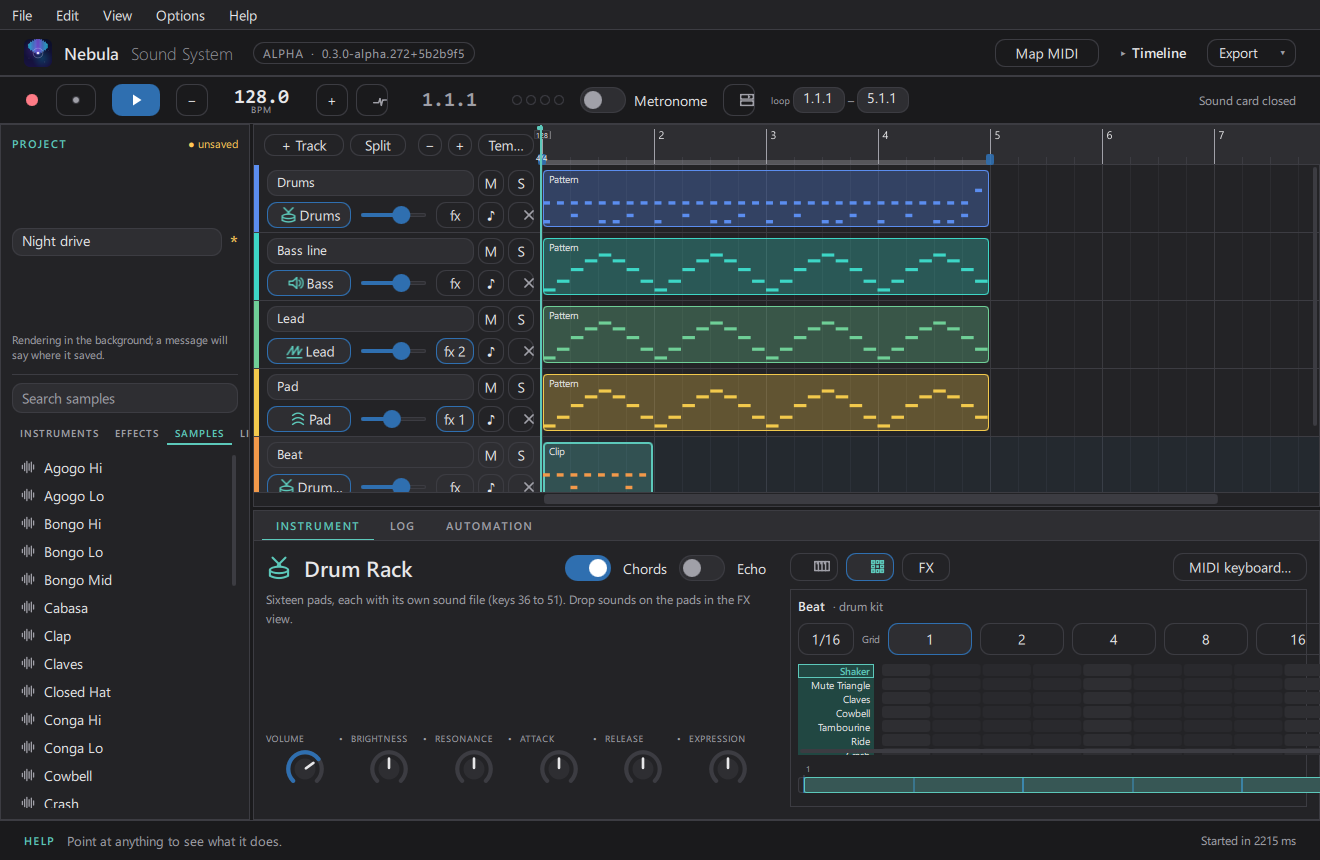
16 pads, each with its own sound and per-pad gain/tune/release/start/end. Load a kit (.nebkit),
drag a sample onto a pad, or slice a sample across the pads. Pads in a choke group cut each
other off (closed and open hats are wired that way by default).
Instrument Rack
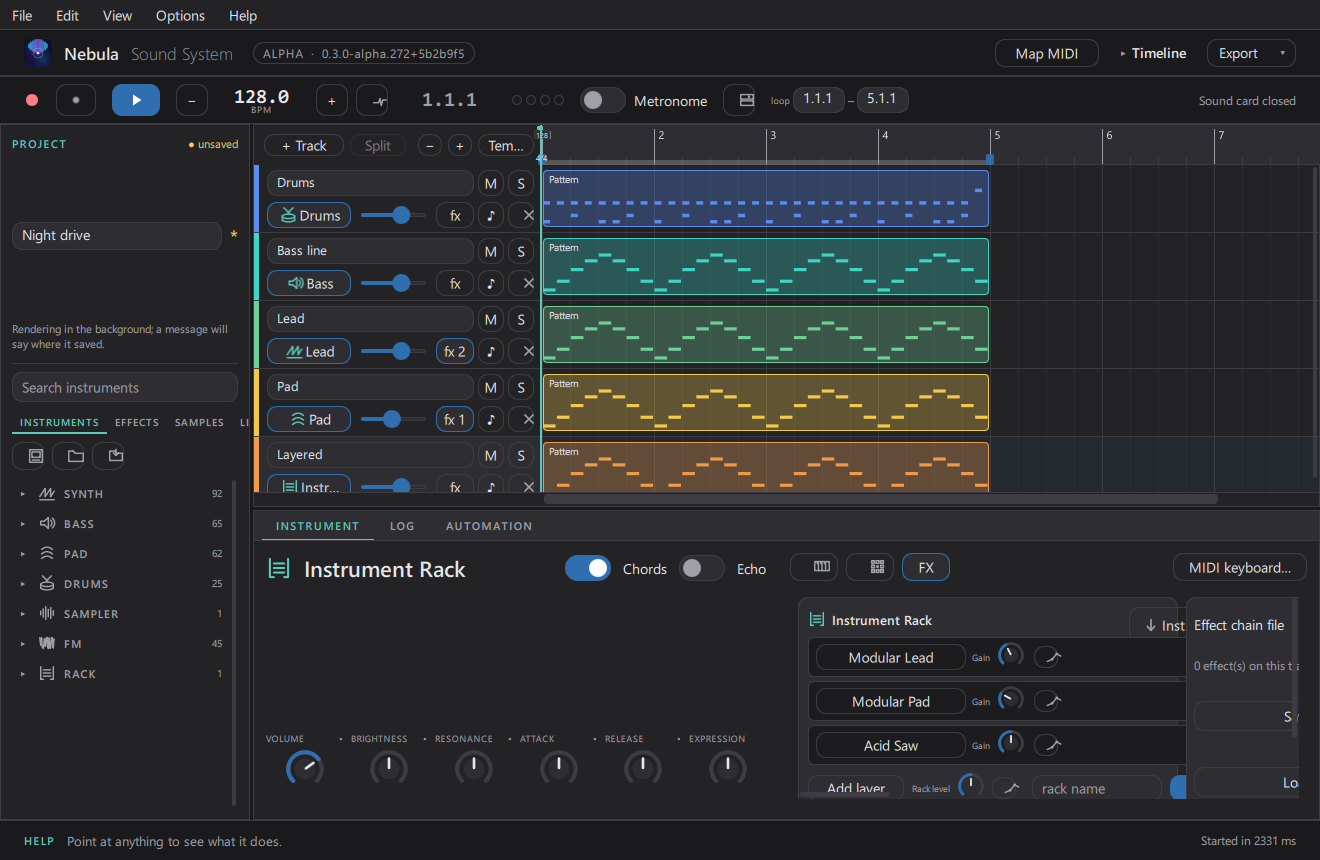
Layers several instruments inside one track, with a gain per layer — a lead with a pad underneath is the default starting point.
The Node view
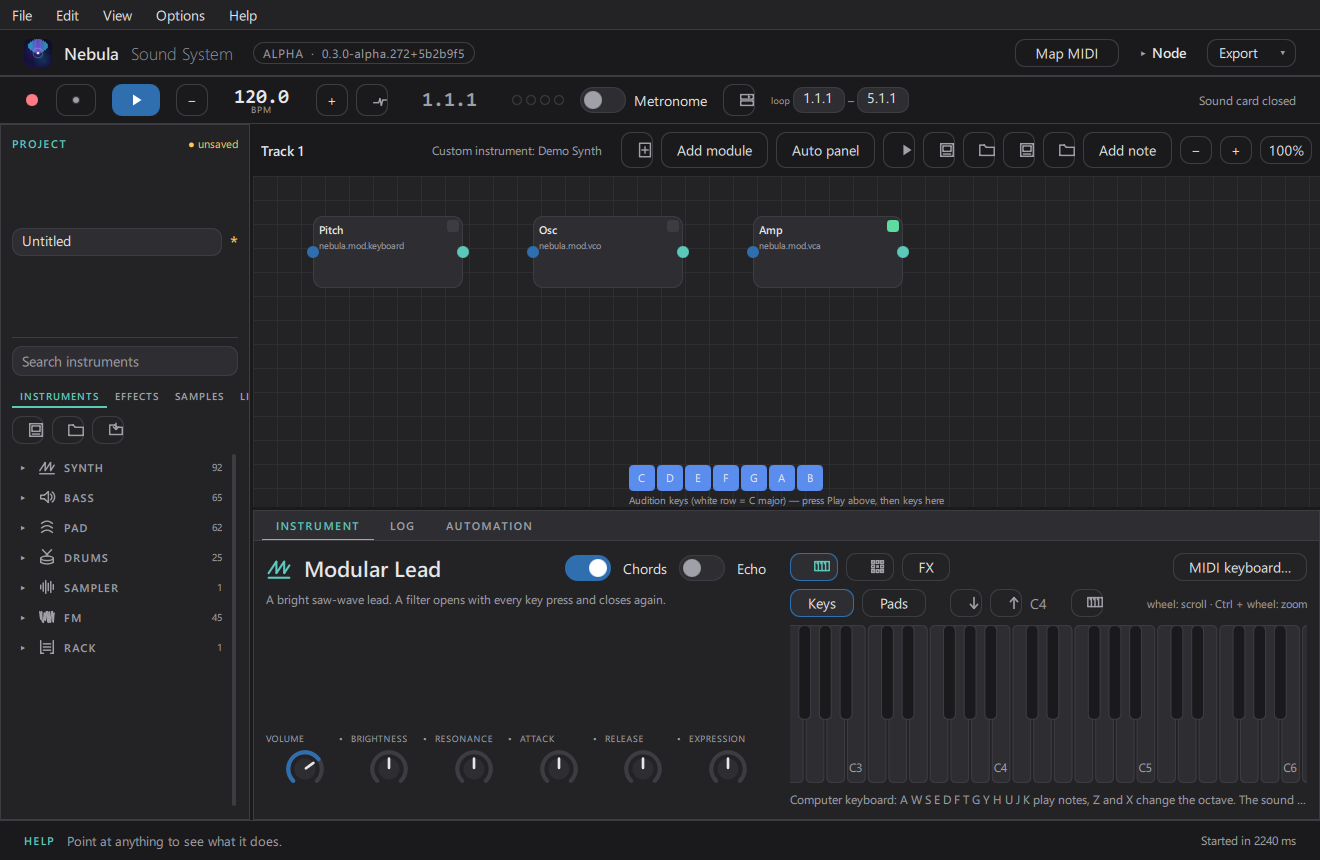
For instruments that do not exist yet: the Node view (Ctrl+Alt+N) lets you build one by wiring modules — oscillators, filters, envelopes — into a graph, and play it like any other instrument.
FM
Four-operator FM instruments with their own operator card and a sound selector.
Step sequencer
For a drum or melodic track, the step grid is a fast way to write patterns: pick a grid size, click steps, and use the key/scale picker if you want to stay in a scale.
Updated 2026-11-02