Docs / Nebula Sound System manual / 5. The Clip Launcher (Session view)
5. The Clip Launcher (Session view)
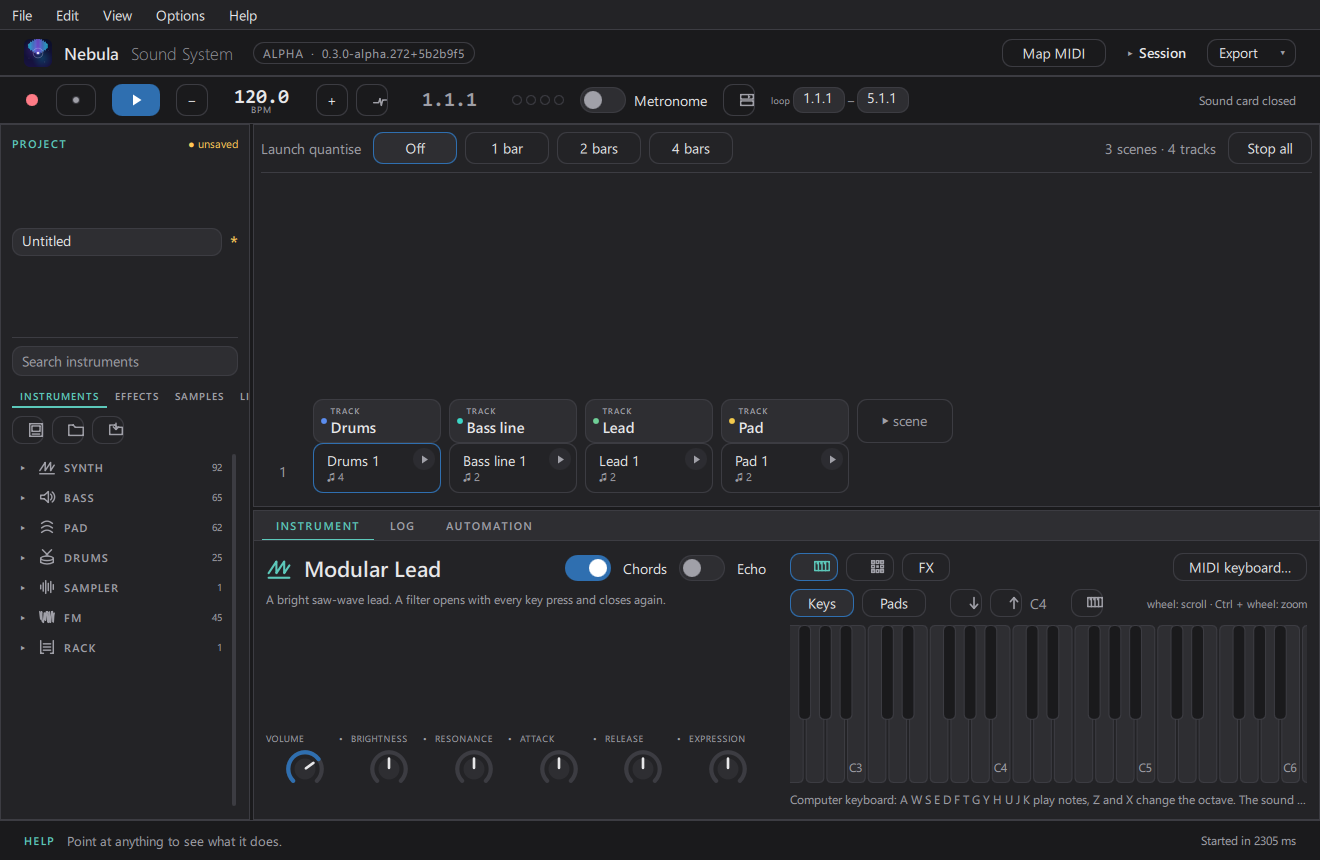
The Clip Launcher plays clips like a live set: each cell is a clip, each row is a scene.
- Click a cell to launch that clip; click the scene button to launch the whole row.
- Enter launches the selected scene; Ctrl+. stops everything.
- Launch quantise (top of the grid) decides how tightly launches snap to the beat.
- Switch between the Timeline and the Clip Launcher with Ctrl+Alt+S, or cycle all views with Tab.
- Ctrl+Shift+Enter arms a clip slot for recording.
Updated 2026-11-02